What Is GPT Image 2.6?
GPT Image 2.6 is OpenAI’s family of models for generating and editing images. Use Flare on CyberBanana to create an image from text or change a reference photo’s lighting, background, or composition.
Open the image generator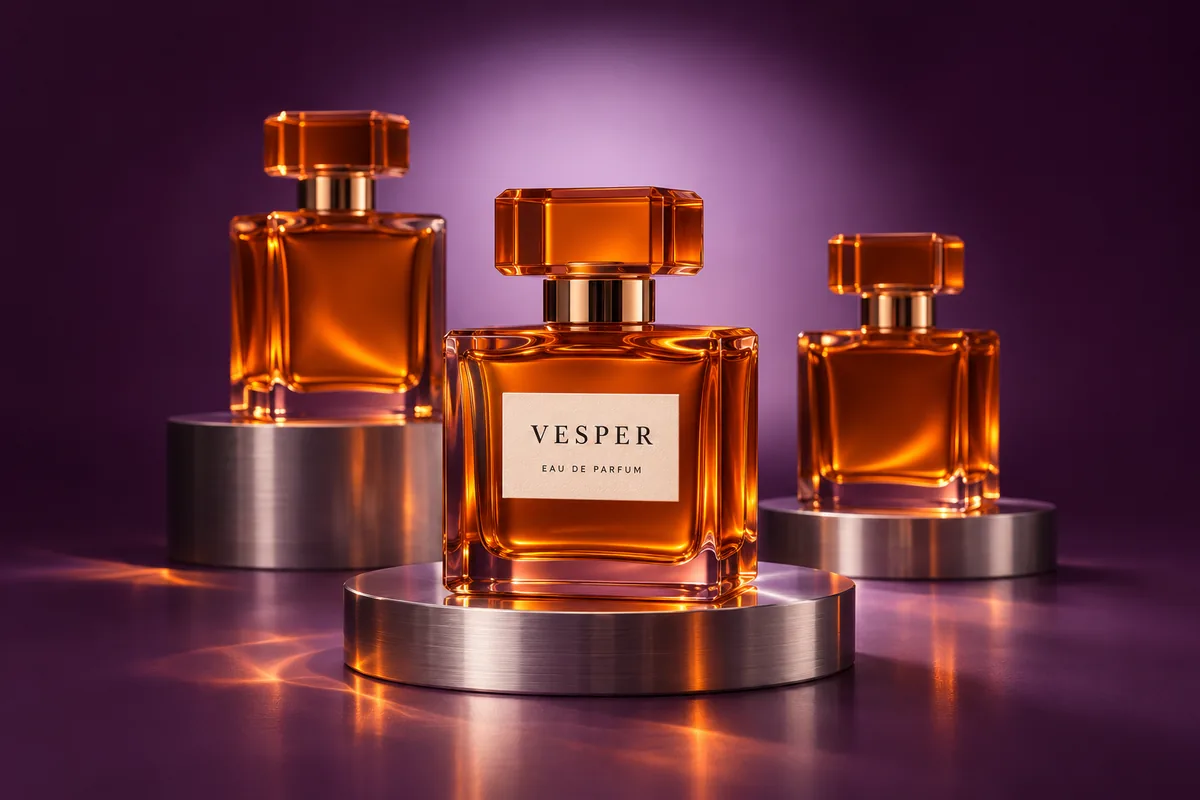
GPT Image 2.6 Creative Examples
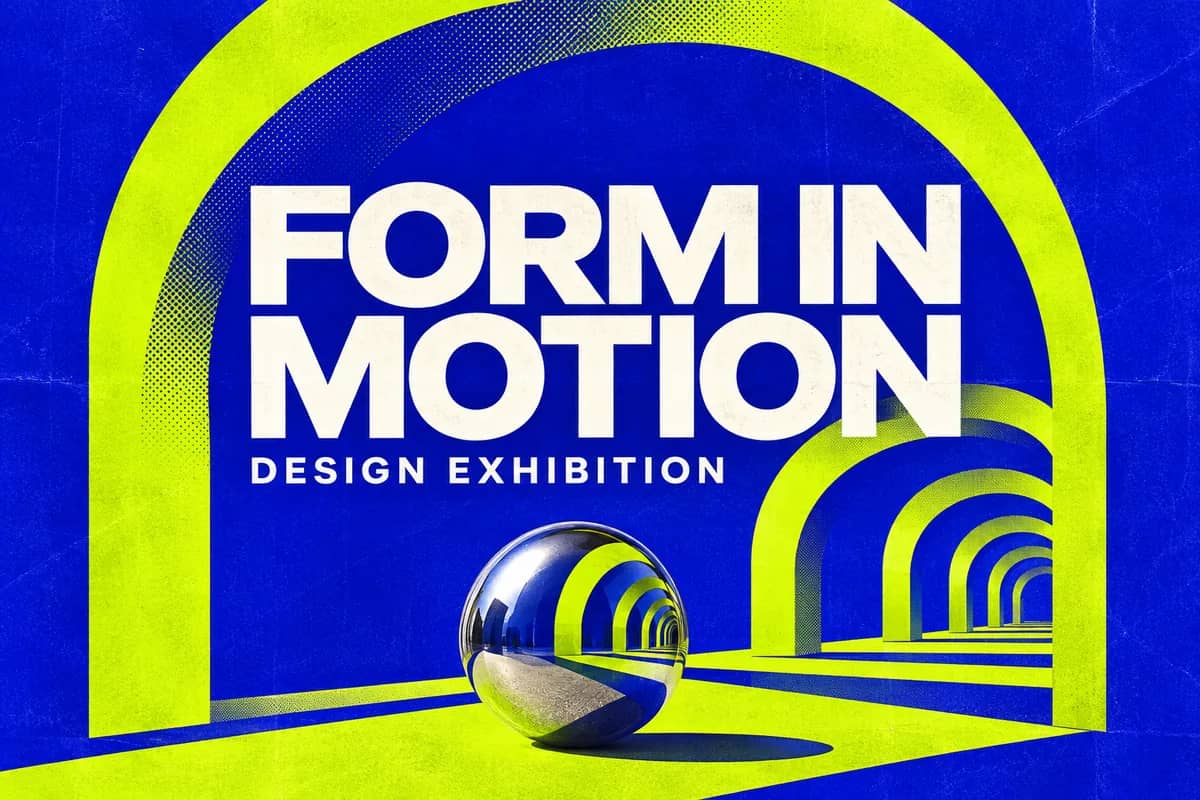
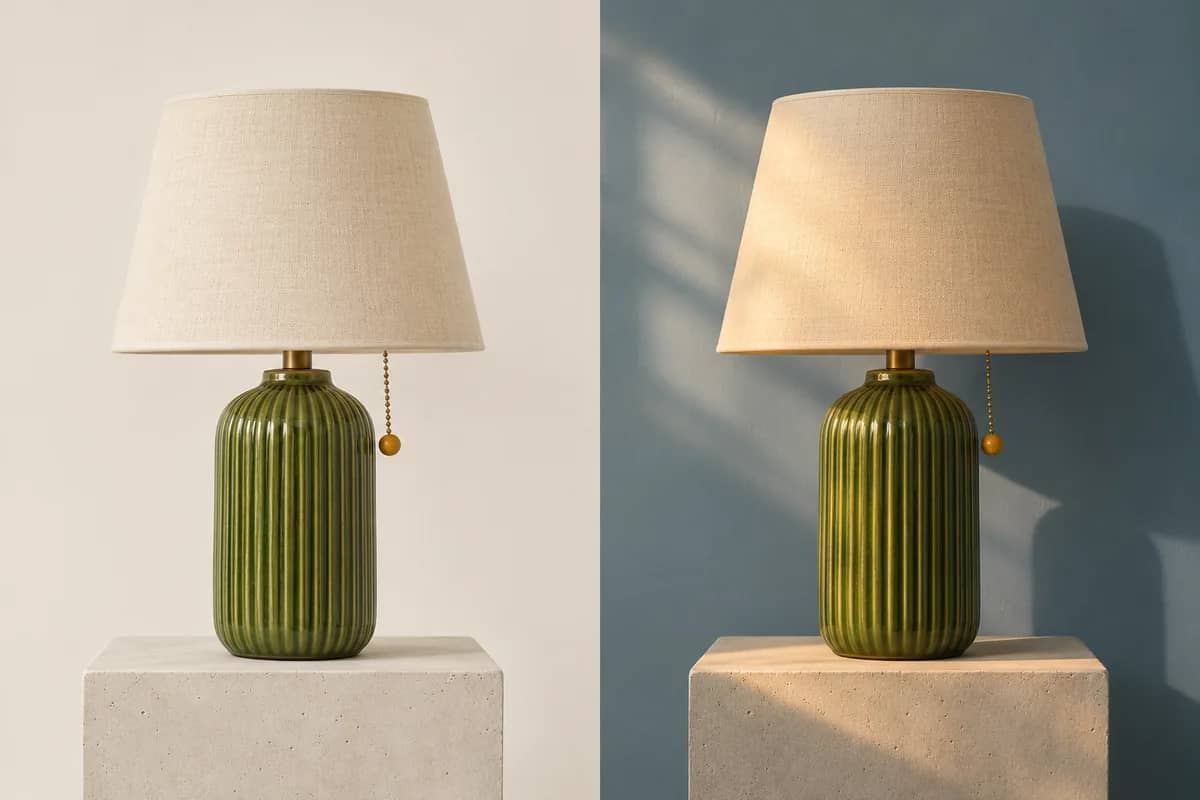
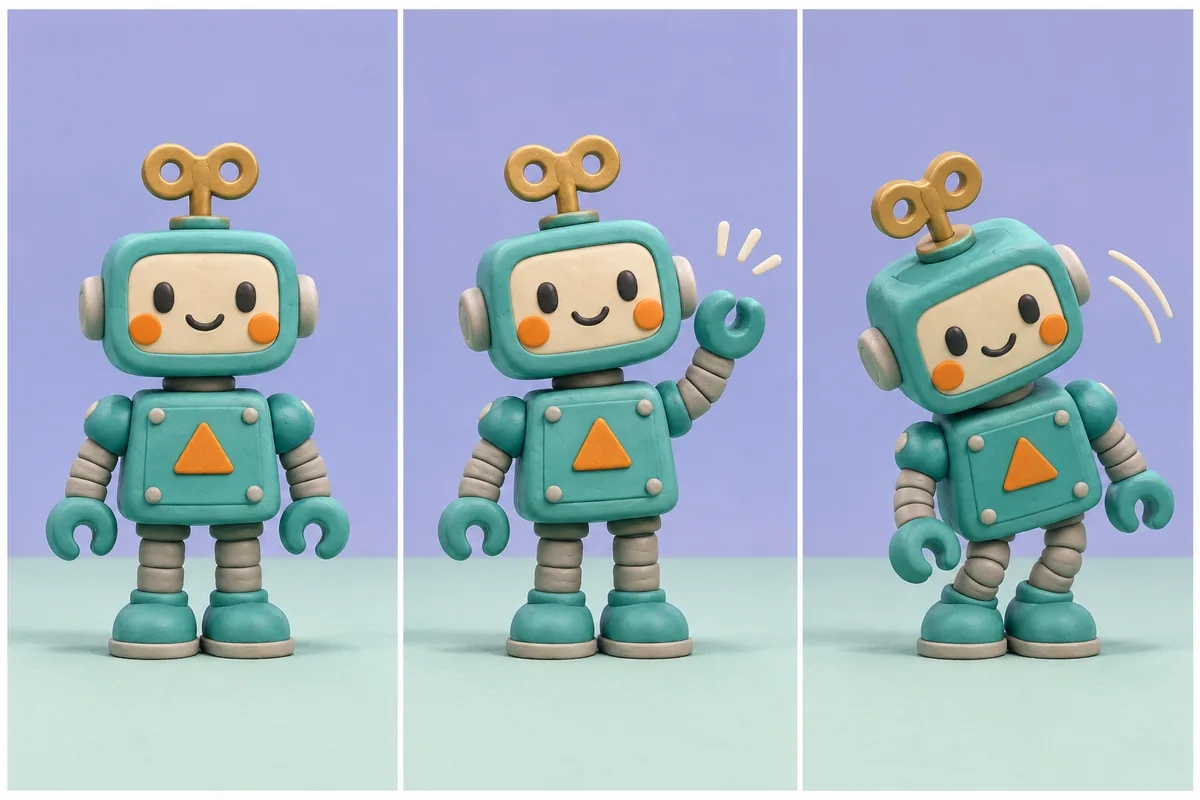
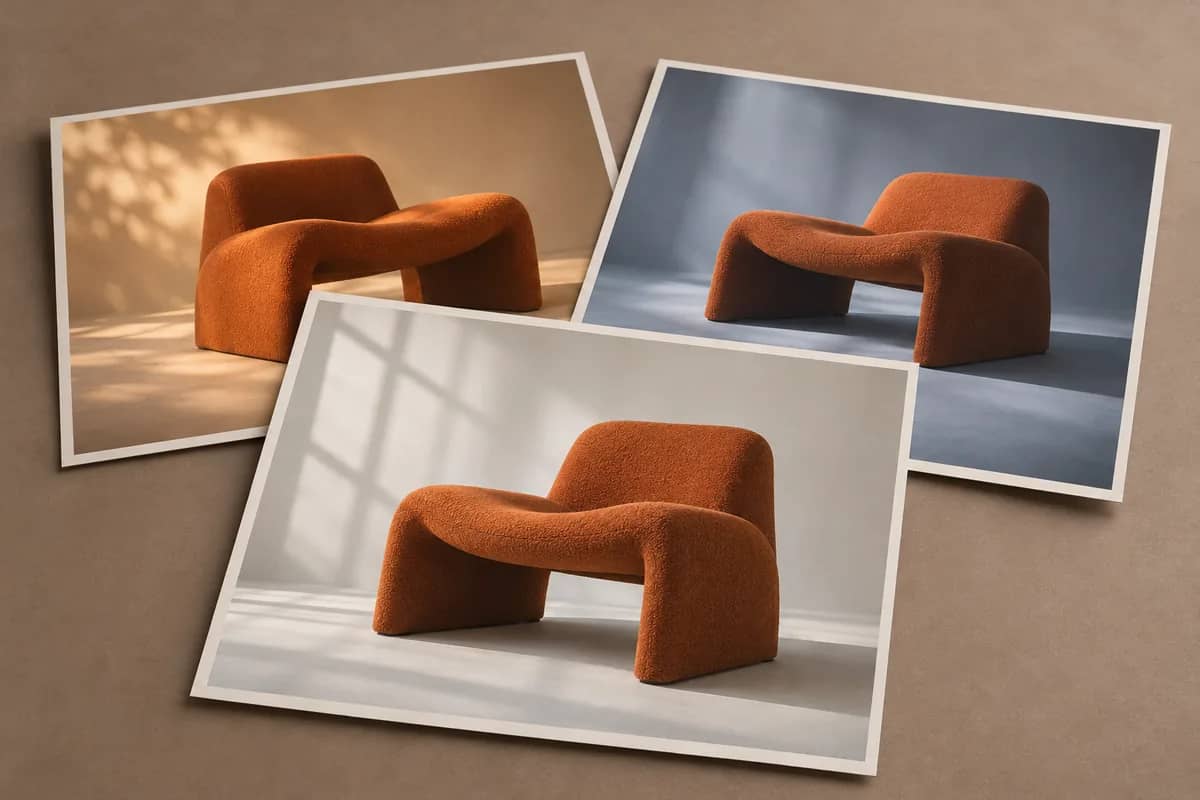
Editorial concept illustrations created for this guide, covering poster layouts, product photo edits, and motion storyboards.
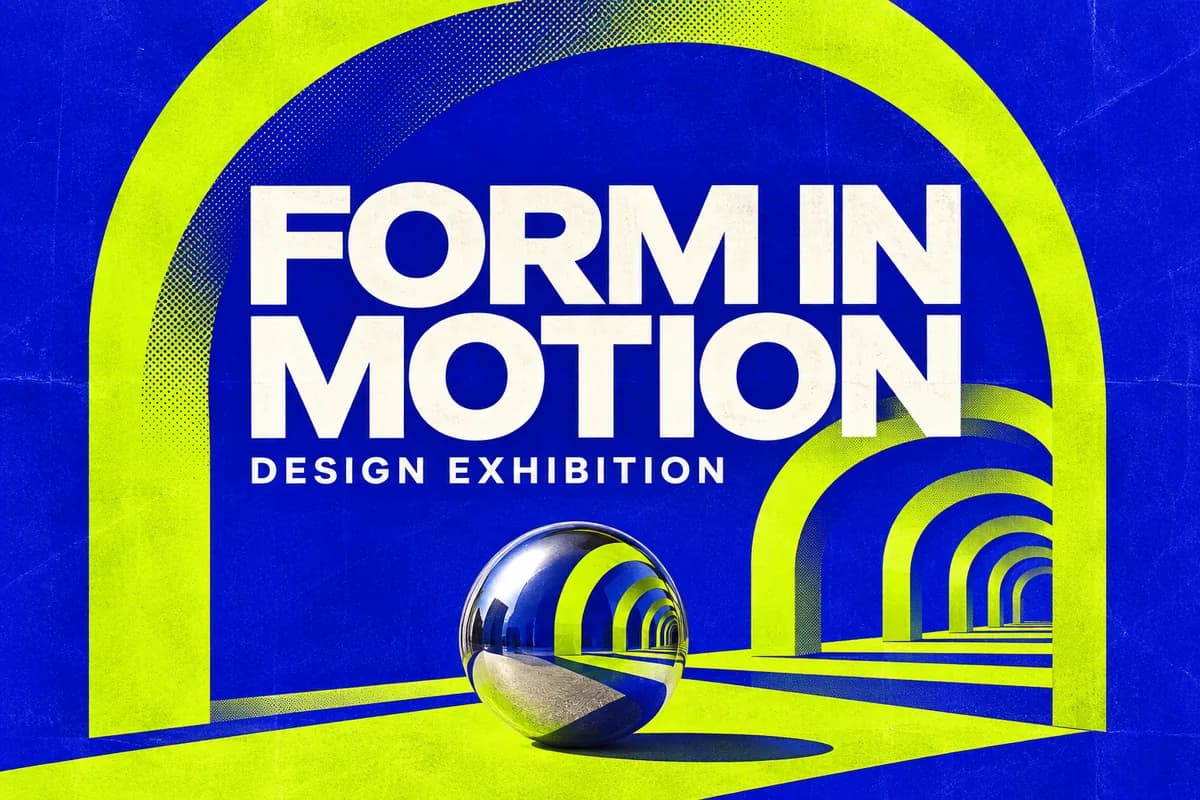
Campaign layouts
Design a poster around a short headline, a strong color pair, and one focal point.
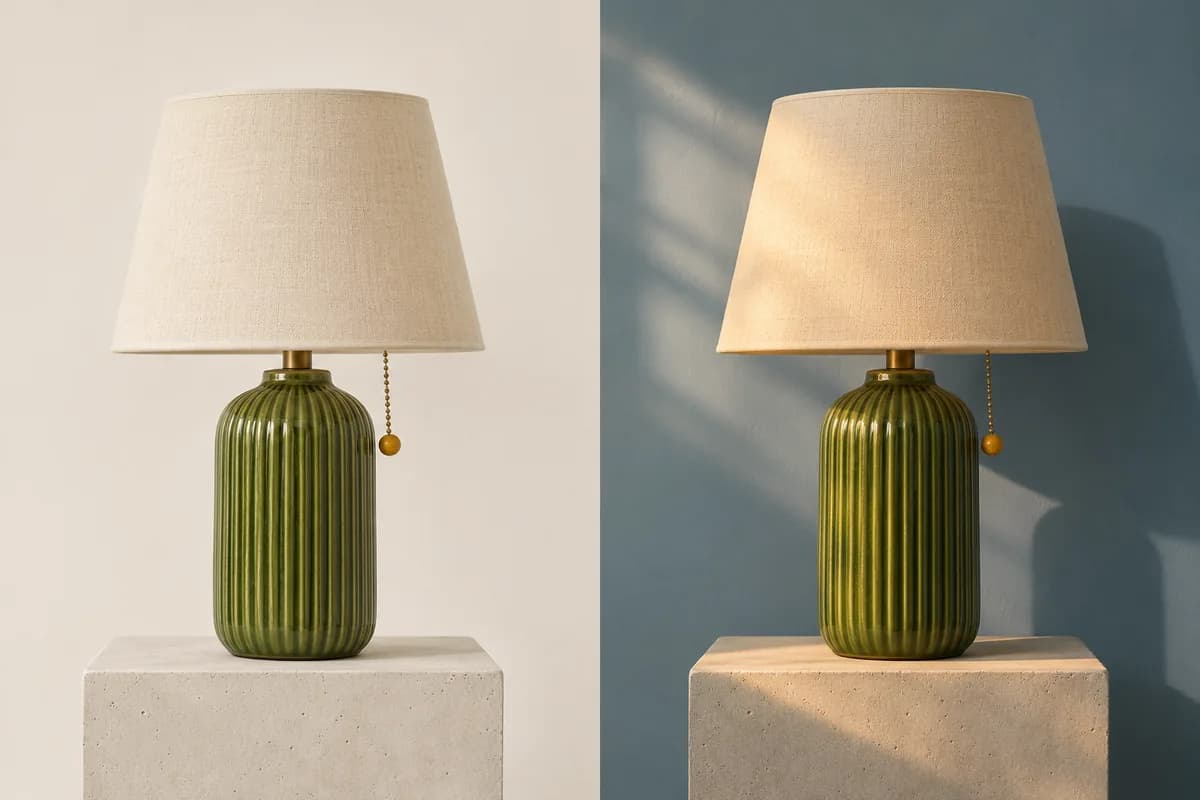
Product photo edits
Relight the scene while keeping the product silhouette, material, and branding in view.
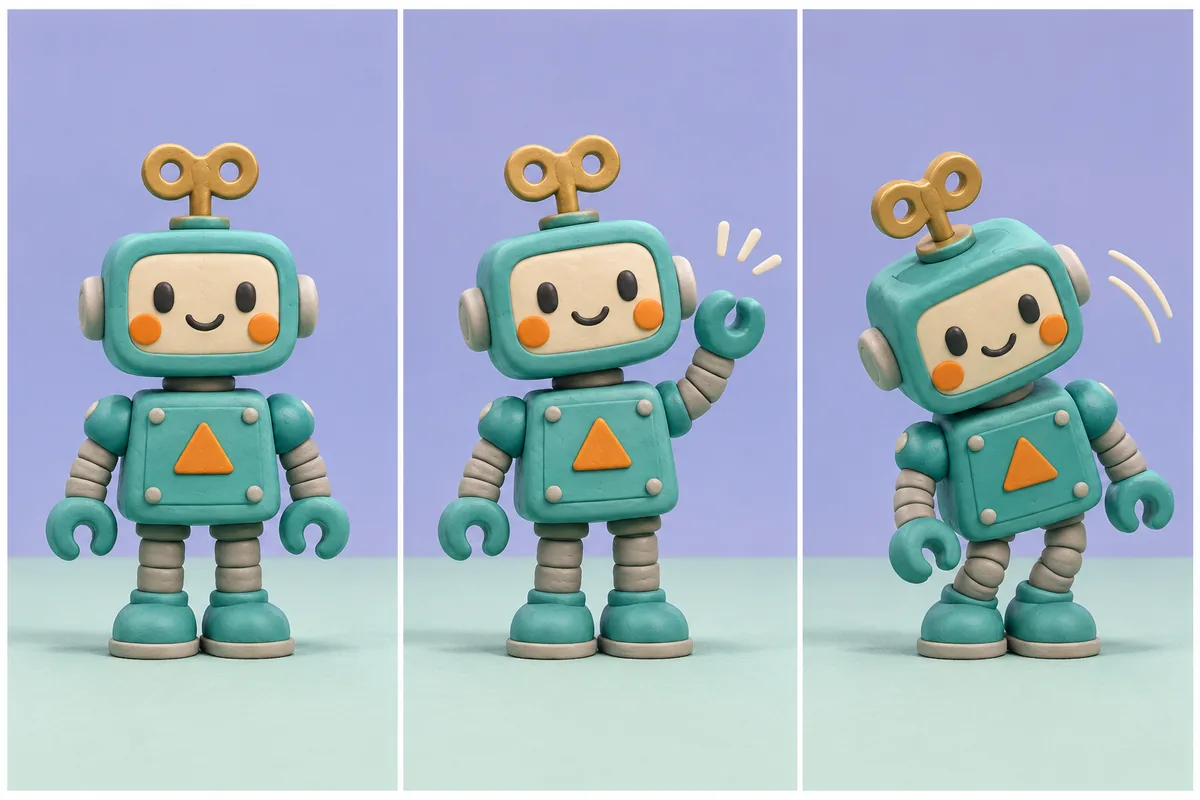
Motion concepts
Plan a mascot loop from a consistent series of poses before animating it.
Key Features of GPT Image 2.6
Flare and Sunburst build on the editing improvements in GPT Image 2.5. The CyberBanana tool uses Flare for still-image generation and editing, with PNG output.
Faster creative drafts
OpenAI reports faster generation with 2.6. Flare is designed for quick visual iteration.
More consistent edits
OpenAI reports better preservation of details such as product appearance and character identity across edits.
Stronger poster layouts
OpenAI highlights improvements in how Flare arranges elements in posters and other professional visuals.
GIF generation
OpenAI’s Image API supports animated GIF output for short loops.
SVG and image markup
OpenAI’s Image API can generate SVG files and use markup to guide image edits.
Configurable complexity
In OpenAI’s API, complexity controls how much planning the model does for a request. Quality controls visual fidelity.
OpenAI’s Images 2.6 announcementOpenAI’s Image API guide
GPT Image 2.6 vs GPT Image 2.5
GPT Image 2.5 improved reference preservation and editing. Version 2.6 builds on those gains and expands the kinds of assets you can create.
Why Choose GPT Image 2.6?
Flare helps you draft quickly, while Sunburst gives you more control across revisions. When comparing with GPT Image 2.5, keep the brief, reference, and output settings the same.
Flare for iteration
Start with Flare when you need several layout directions or a fast first pass at an edit.Sunburst for detailed work
Try Sunburst in OpenAI’s API when a specific product, character, or visual identity must survive several revisions.Keep a GPT Image 2.5 baseline
Save an earlier result so you can compare typography, shape, and color against a familiar output.
How to Use GPT Image 2.6 Flare
Reuse a prompt from GPT Image 2.5 to compare a familiar brief, or start with a new image idea.
Pick a starting point
Start with text or upload a reference for an edit.
Write the brief
Describe the subject, composition, and lighting. For edits, name what to preserve.
Set the output
Choose the aspect ratio and review the credit cost in the tool.
Generate and refine
Inspect the result, then adjust one instruction at a time.
Plans and Credits
The generator shows the cost before you run a prompt. Review CyberBanana plans and credit packs.
GPT Image 2.6 FAQ
When did OpenAI release GPT Image 2.6?
OpenAI announced Images 2.6 on November 4, 2026, following the September launch of GPT Image 2.5.
OpenAI’s 2.6 announcementShould I switch from GPT Image 2.5?
Test a prompt and reference from your current workflow. Check whether the new output preserves the details you care about and how much revision it needs.
OpenAI’s 2.5 announcementCan I choose GPT Image 2.5 in this tool?
This CyberBanana workspace uses GPT Image 2.6 Flare for image generation and editing with PNG output. OpenAI’s Image API also offers Sunburst, GIF and SVG output, and markup-guided edits.
OpenAI image generation guideCan I reuse my GPT Image 2.5 prompts?
Yes. Keep the subject, references, and intended composition the same for the first run. Compare the results before rewriting your prompt.
Start Creating with GPT Image 2.6 Flare
Start with an idea or a reference image in the GPT Image 2.6 workspace.